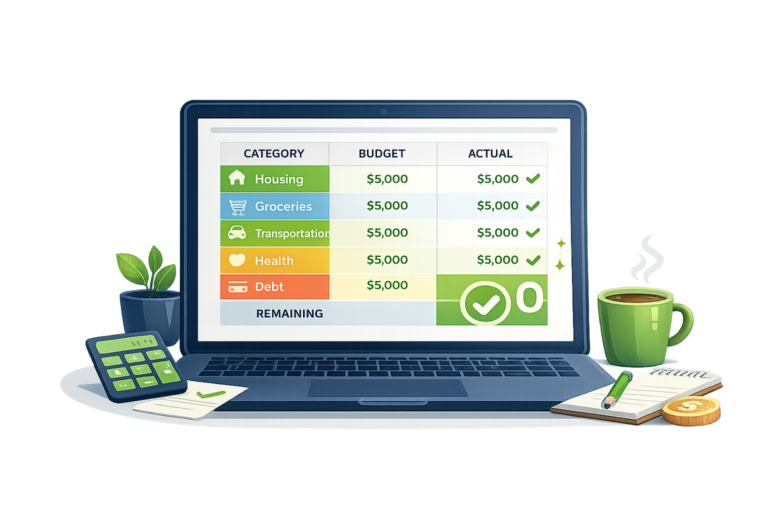
Zero-Based Budget Template: How to Give Every Dollar a Job
Most budgets fail for the same reason: they’re too vague. “Spend less on food” isn’t a budget — it’s a wish. A zero-based budget is different. It gives every single dollar a specific job before the month begins, so there’s nothing left to “accidentally” spend.
What Is Zero-Based Budgeting?
Zero-based budgeting means your income minus all your planned spending equals zero. That doesn’t mean you spend everything — it means every dollar is assigned somewhere. Savings, debt payoff, and investments count as categories too.
How to Build Yours
Step 1: Write down your total take-home income for the month.
Step 2: List every expense category — starting with needs, then debt payments, then savings, then wants.
Step 3: Assign a dollar amount to each category until your income minus all categories equals zero.
Step 4: Track actual spending through the month and adjust categories as needed.
Sample Zero-Based Budget ($3,500/month take-home)
| Category | Amount |
|---|---|
| Rent/Mortgage | $1,100 |
| Groceries | $300 |
| Utilities | $150 |
| Transportation | $250 |
| Debt Payoff (extra) | $600 |
| Emergency Fund | $200 |
| Phone | $35 |
| Subscriptions | $45 |
| Dining/Entertainment | $150 |
| Clothing/Misc | $100 |
| Personal Care | $70 |
| TOTAL | $3,500 (= $0 left) |
The Key to Making It Work
The budget only works if you track as you go. Use a free app like EveryDollar or a simple spreadsheet. Check it mid-month. Adjust when a category runs over. The first month will feel awkward — by month three it’ll feel normal.